{{g.name}}
{{g.line}}
From snooker tables to PS5 sessions, manage timing, billing, player wallets, food orders and revenue in one place.
Dedicated setup and support for your gaming centre.
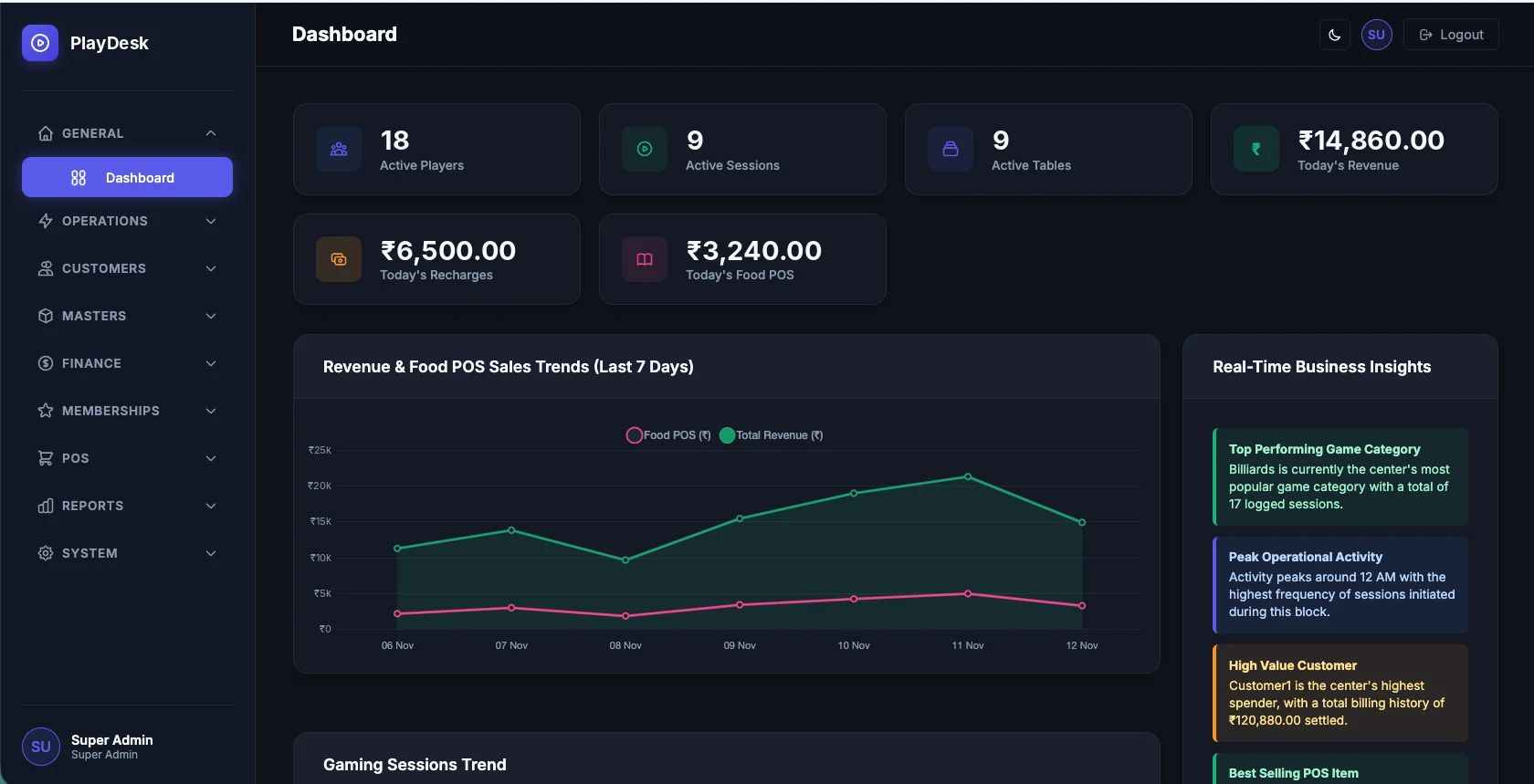
Dashboard shown with sample data.
Whether you operate a snooker club or a multi-game entertainment centre, PlayDesk helps you manage your daily operations.
{{g.line}}
You create your own game categories and add the tables, consoles or other gaming assets under each one.
Spend less time managing registers and more time running your business.
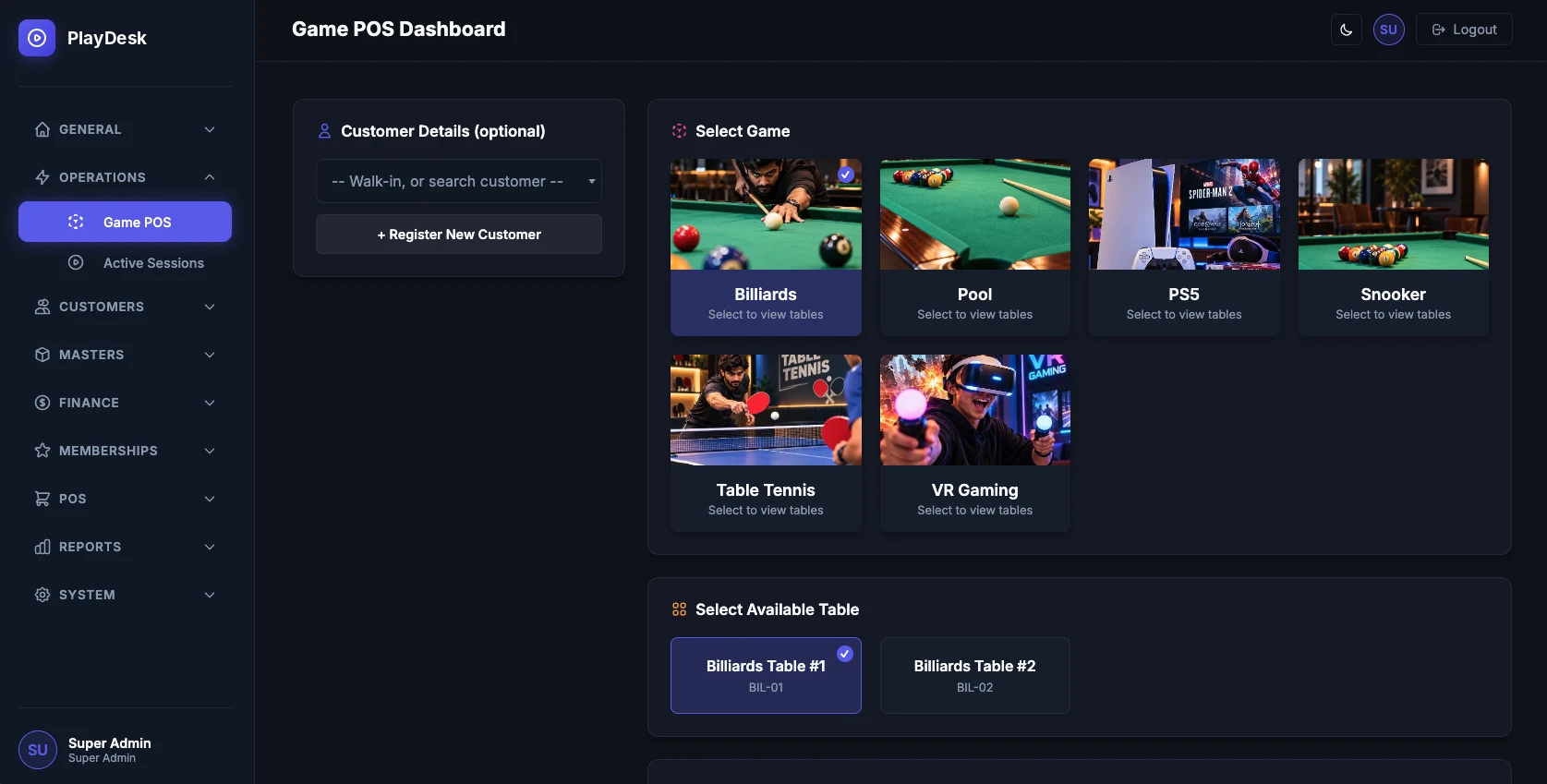
Every session follows the same clear path at the counter, whether it's Table 3 on snooker or Station 5 on PS5.
Snooker, pool, PS5, carrom or any category you've set up.
Pick a free table, console or gaming station.
Find a returning player or add a new one.
The session begins on the chosen table or asset.
See how long it has run and the charges that apply.
Close the session and record the payment.
Set up pricing to match how you already charge, then let PlayDesk apply it session after session.
Configure rates for each game category, with short time-based charging intervals, including 5-minute increments.
Set special prices for eligible members or customer groups.
Add participants during a session and apply your configured extra-person charge. When they leave, their ongoing extra charge stops.
Bill sessions on an LP basis. The losing player can be made responsible for payment according to your centre's rules, and other participants can contribute where configured.
Charge snooker sessions by frame instead of by time. We'll walk through how your specific LP and frame rules map onto PlayDesk during the demo.
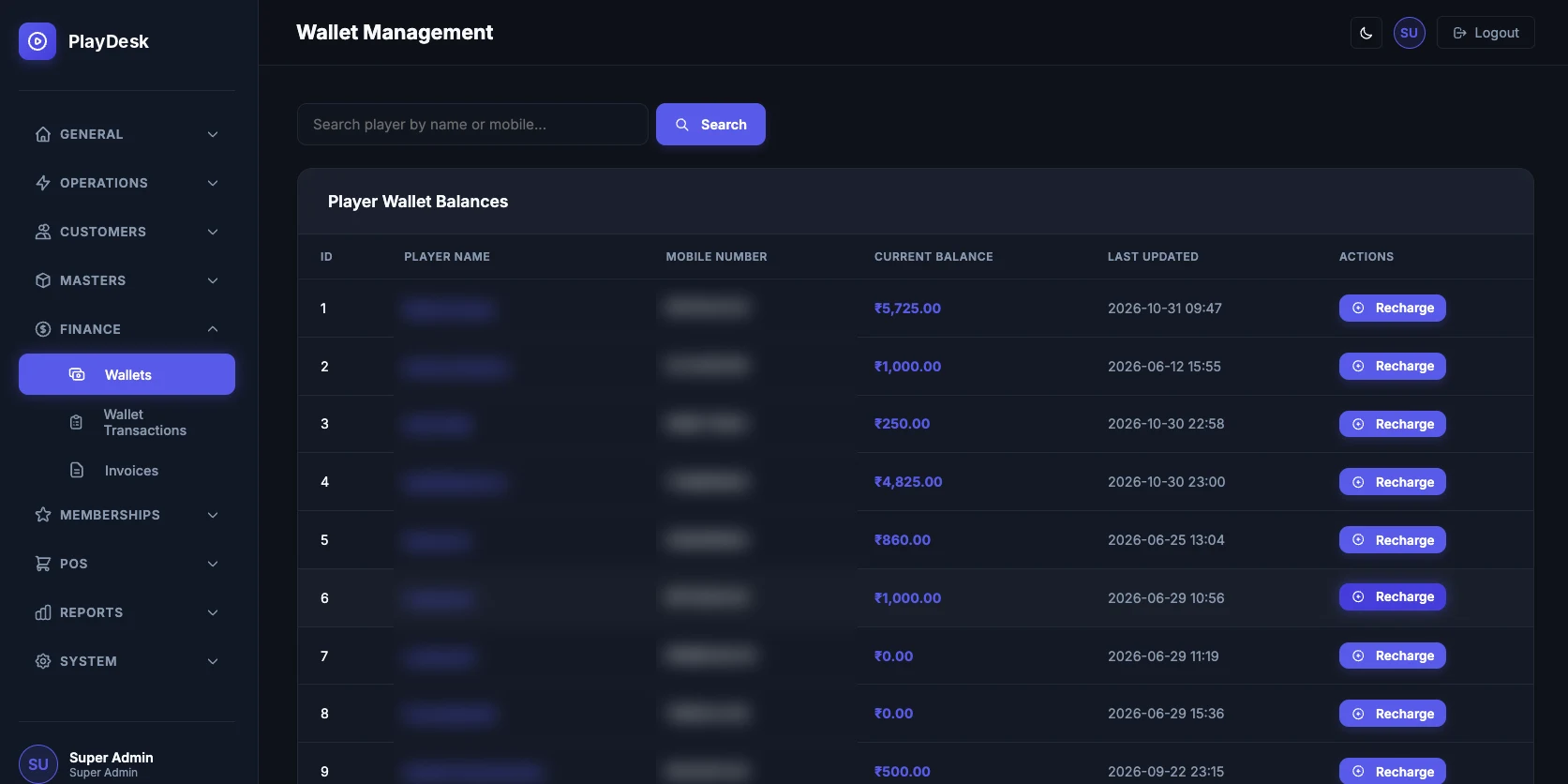
Know who has paid in advance, who owes the centre, and what changed on every account.
Players keep a prepaid balance. Staff recharge it, and session charges can be deducted from what's available.
Where your centre allows it, charges can be recorded as credit and settled later.
Staff record the payments that apply to each gaming session.
Track wallet balances and the transactions behind them.
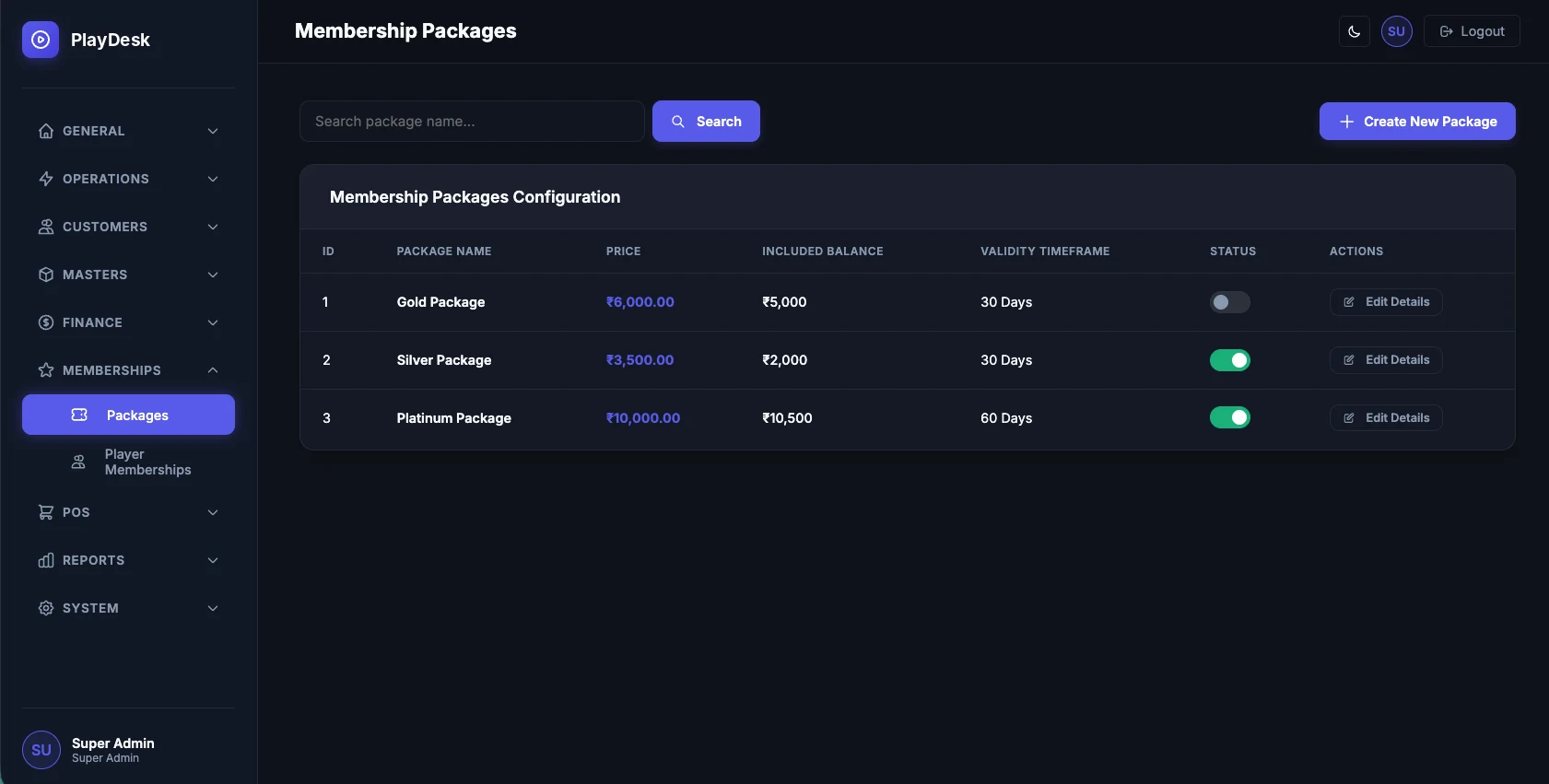
Create membership packages and offer special gaming rates to your loyal customers.

Manage your gaming lounge's snacks and beverages without switching between separate billing systems.
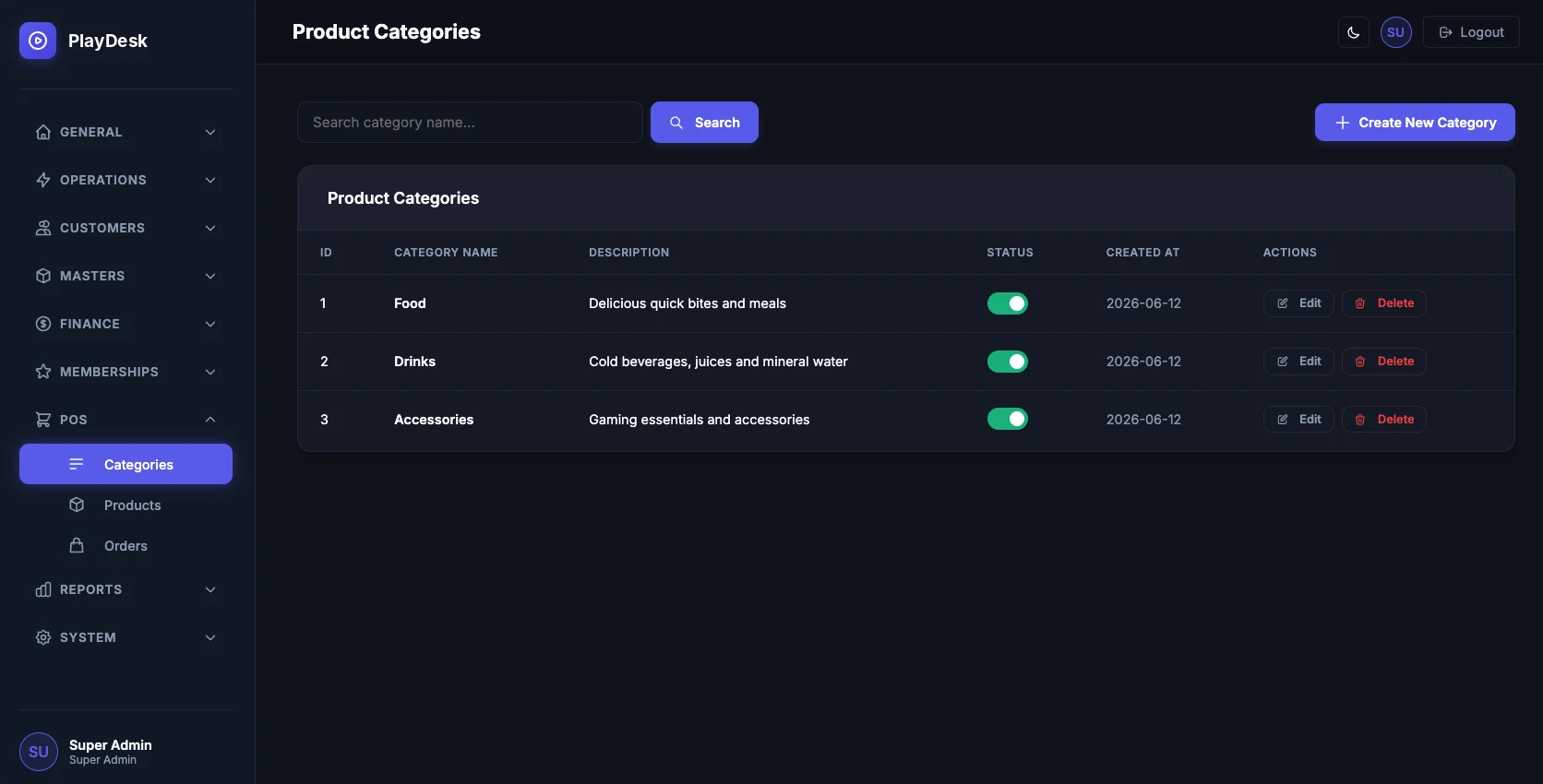
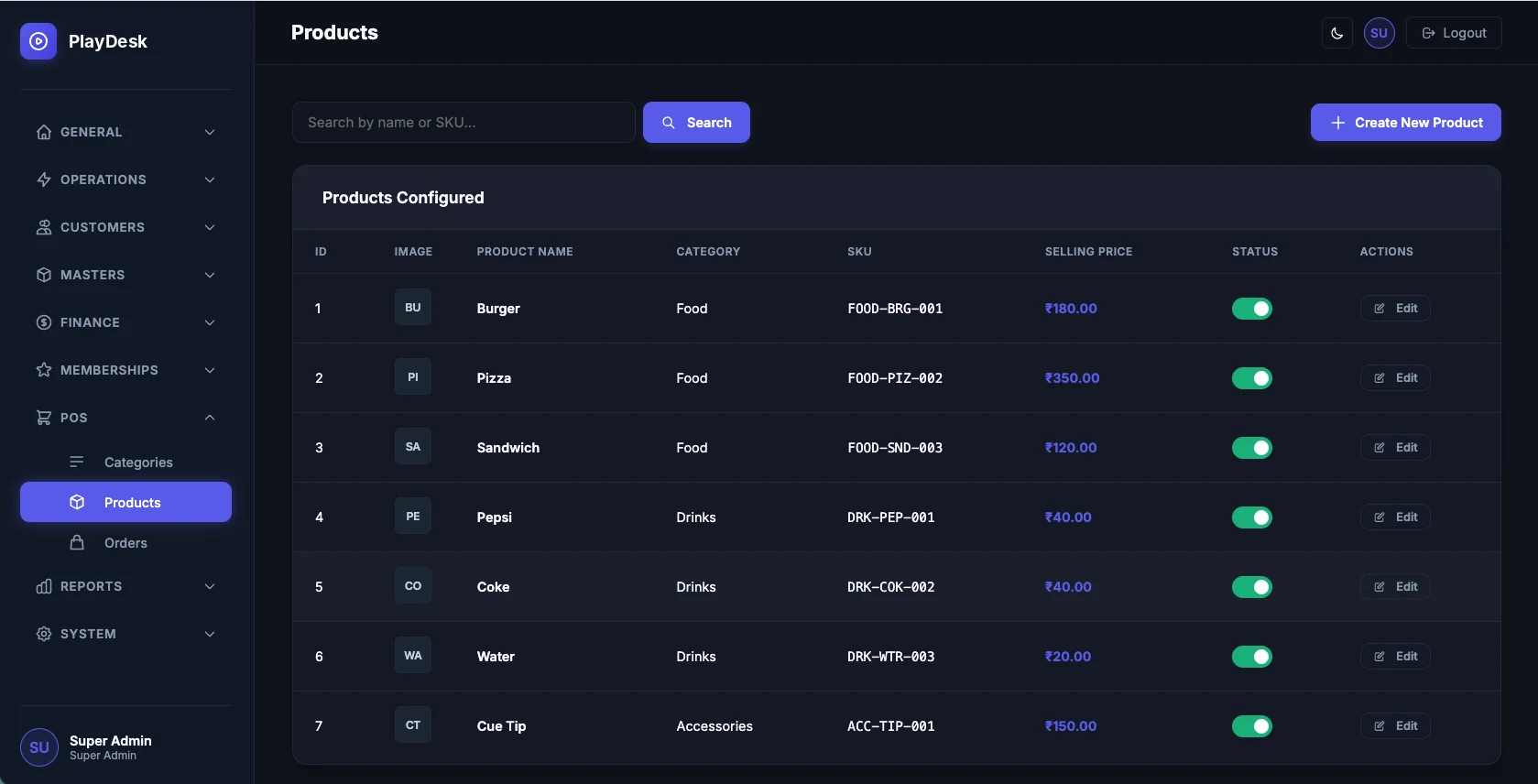
Get a clearer view of sessions, collections, player activity and food sales.
Reporting areas
Your cashier doesn't need to change table rates, and your floor staff don't need revenue reports. Decide who sees what.
Create a user account for each team member.
Assign each user a role that fits their responsibilities.
Configure exactly what each role is allowed to do.
Restrict access to the modules each person needs.
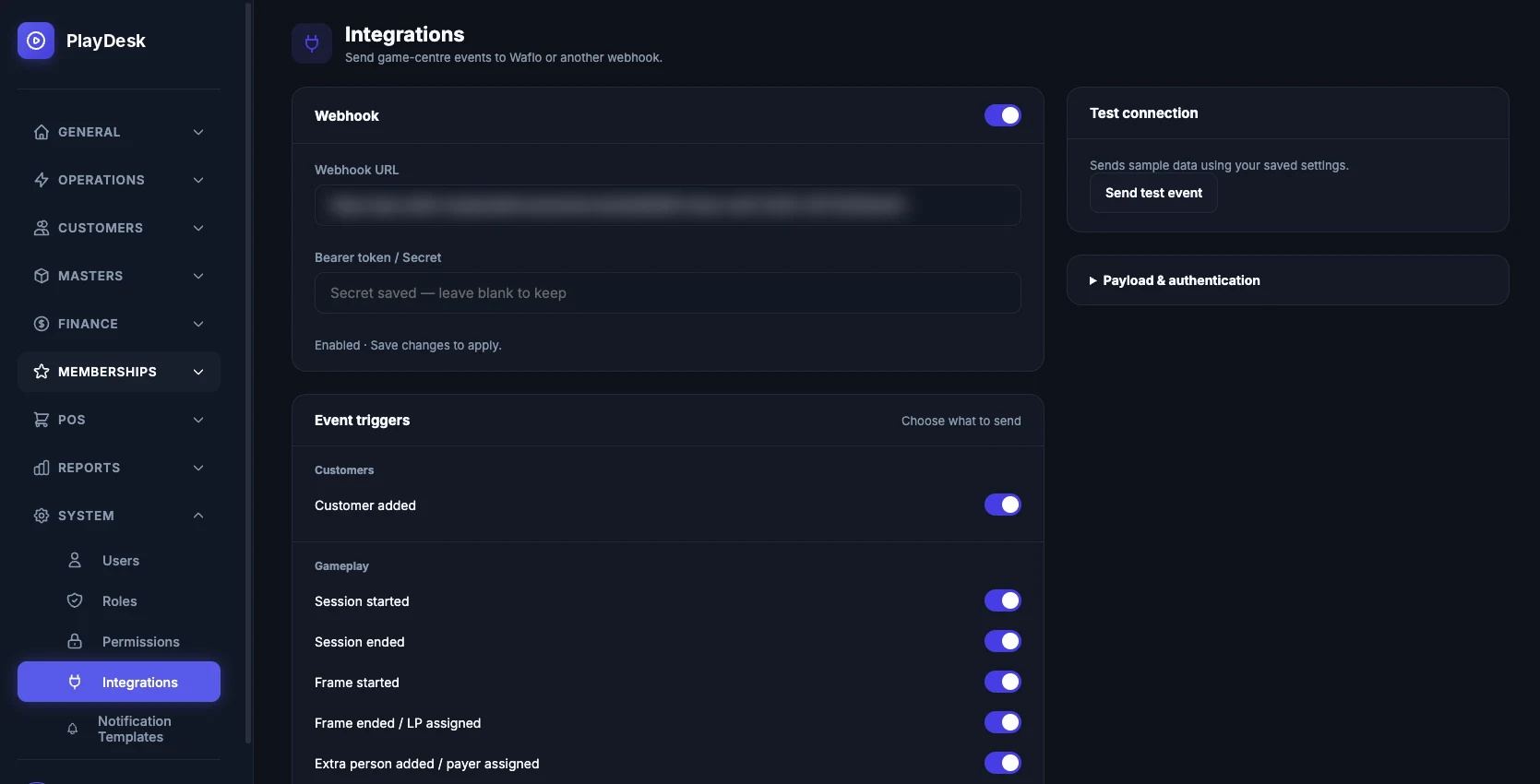
Connect PlayDesk with WhatsApp automation and keep customers informed throughout their gaming experience.
Welcome or registration notification.
Notify the player when a session begins.
Notify the player when a session ends.
Send relevant payment notifications.
Inform players about wallet activity and balances.
Charge notifications, where configured.
Messaging depends on your configuration, customer consent, approved message templates and applicable WhatsApp platform requirements. WhatsApp messaging charges are billed separately based on usage. Not included in the Standard plan.
PlayDesk isn't a sign-up-and-figure-it-out tool. Each centre gets its own separately configured application, set up and supported by our team.
Talk to the PlayDesk team and see how the application works.
Set up game categories, tables, pricing, memberships and staff access.
Use PlayDesk for daily gaming operations and billing.
Receive application support under your subscription.
Explore the actual interface your team can use to manage everyday operations.
{{cur.desc}}
{{pos}}
Choose the plan that fits your operations.
Everything you need to manage your gaming centre.
Complete gaming centre management with WhatsApp automation.
All subscription prices include GST. WhatsApp messaging charges are billed separately based on usage. Major customizations, additional development and third-party service charges are extra where applicable.
| Feature | Standard | Connect |
|---|---|---|
| {{row.f}} |
|
|
Tell us about your centre. Our team will show you how PlayDesk can fit your daily operations.
Submitting the form opens WhatsApp with your details filled in as a message. Nothing is stored on this website: your enquiry reaches us when you send that message.
We've prepared a message with your centre's details. Press send in WhatsApp to reach the PlayDesk team. If WhatsApp didn't open, use the button below.
Open WhatsAppManage sessions, billing, players and daily operations with PlayDesk.